Rain Design mStand Review: Solid Laptop Lift That Still Wins

By Ben Carter

9.8
Consumers Best Verdict: Rain Design mStand Highlights
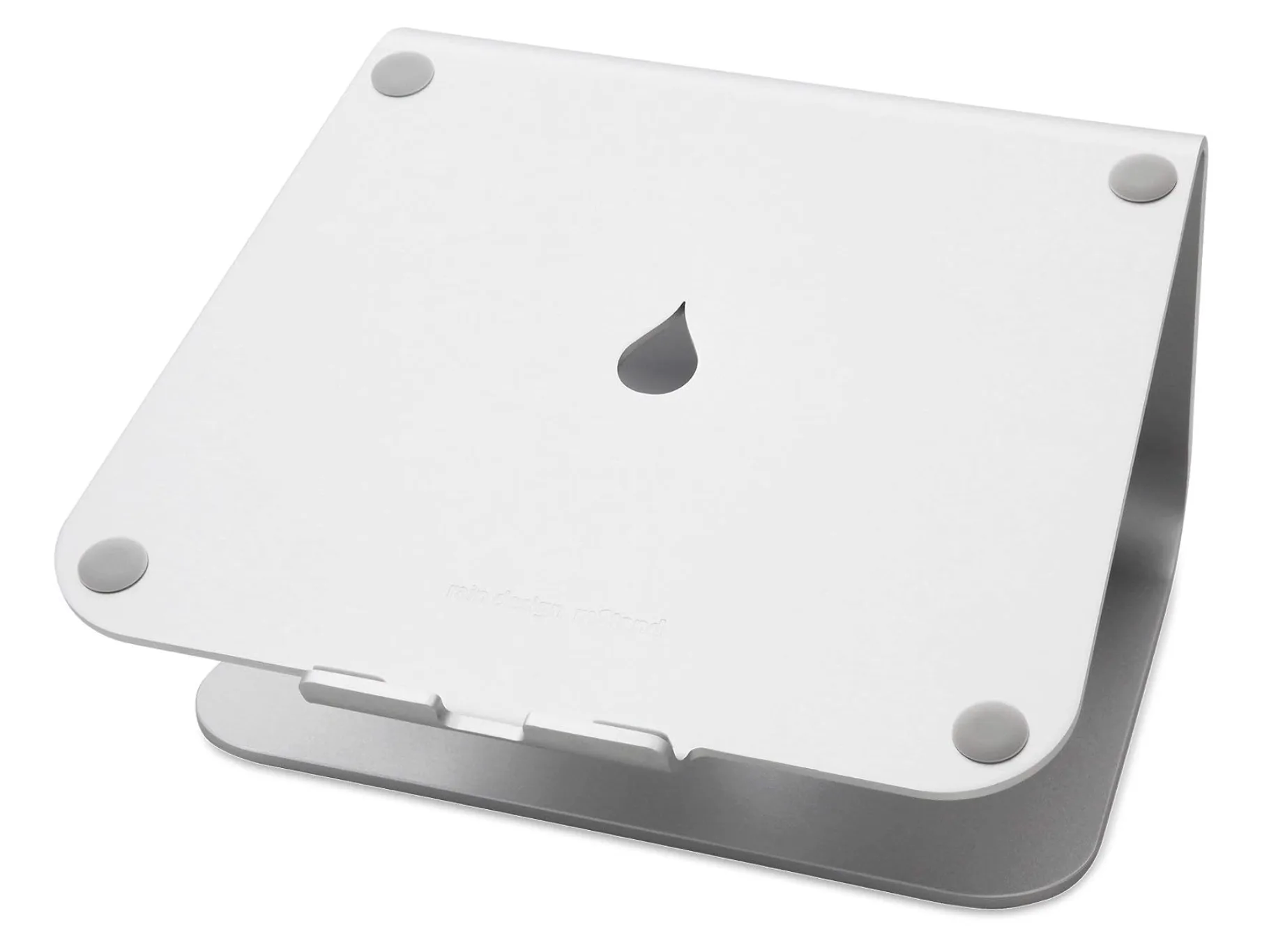
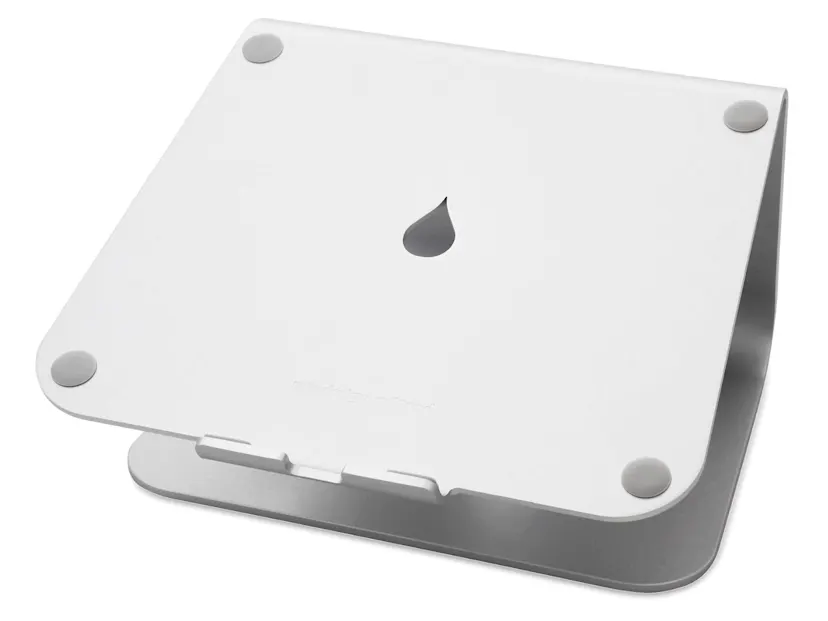
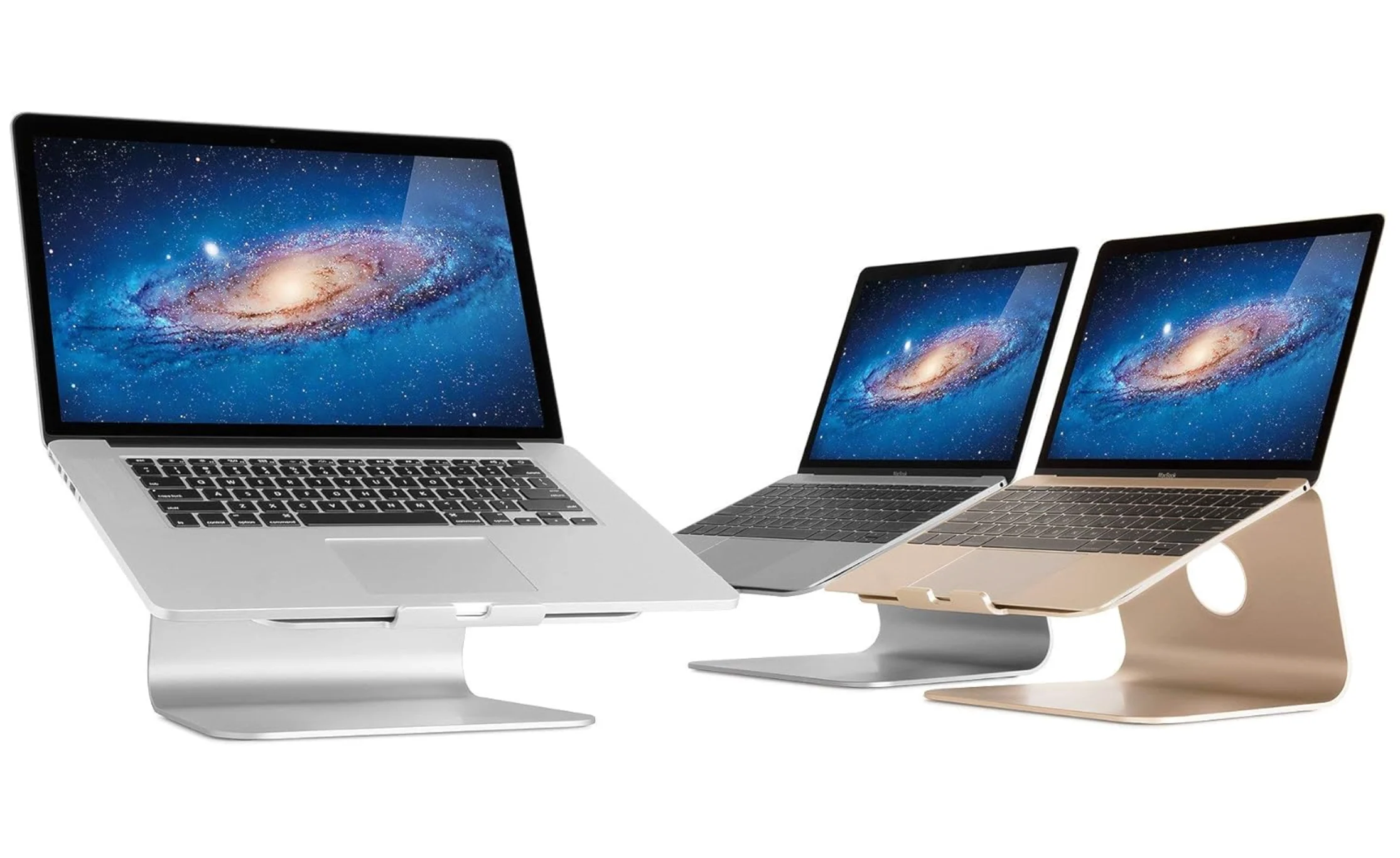
The Rain Design mStand is a one‑piece, anodized aluminum laptop stand that lifts your device roughly six inches with a gentle tilt for better ergonomics and airflow. The wide base, grippy pads, and tidy cable slot keep things stable and clean, while the Mac‑friendly finish (silver/space gray) looks premium without trying too hard. In day‑to‑day use, it feels like furniture—durable, quiet, and kind of invisible in the best way. It’s not the cheapest, but between build quality, brand reputation, and that set‑and‑forget simplicity, the value adds up.
Look, after years of desk setups and too many stands to count, the Rain Design mStand is the one I keep coming back to. It’s rock‑solid, elevates your laptop to a healthier eye line, and the minimalist aluminum build just blends in. It’s not adjustable, sure, but if you want a dependable, handsome stand that does exactly what it promises—no squeaks, no sag, no drama—the rain design mstand delivers. If you’re nodding along right now, I’d say grab it and don’t overthink it.
In-Depth Look: Rain Design mStand Features & Considerations
Core Features & Consumer Benefits
Quick tour of why this stand’s stuck around for so long—and why it still earns desk space in 2026.
Ergonomic elevation
Raises your laptop to a more natural eye level, easing neck and shoulder strain during long sessions.
Thermal advantage
Open‑back design and aluminum build help dissipate heat so fans don’t work as hard.
Stability you feel
One‑piece metal construction with non‑slip pads keeps even larger laptops steady.
Desk tidiness
Integrated cable‑management slot routes cords neatly for a cleaner, calmer workspace.
Timeless design
Sand‑blasted, anodized finish pairs especially well with MacBooks and other metal‑bodied laptops.
Important Considerations & Potential Downsides
- Fixed height/angle
There’s no on‑the‑fly adjustment—what you see is what you get.
- Not ideal for direct typing
The stand is sturdy, but typing on the laptop itself introduces bounce; an external keyboard/mouse is best.
- Desk fit matters
The six‑ish inch lift is great for eye level but can be too tall on higher desks without a keyboard tray.
- Feature trade‑offs
No swivel or modular add‑ons here; if you need rotation or micro‑adjustments, consider the mStand360 or an adjustable alternative.
Who Is the Rain Design mStand Best For?
Remote workers and creatives
Daily comfort and a cleaner workflow without fiddly adjustments.
MacBook owners and design minimalists
Aesthetic match and premium feel that looks built‑in, not bolted on.
Students and writers
Reliable, compact elevation that keeps posture in check during marathon study sessions.
Hybrid office setups
Pair with an external keyboard/trackpad for a simple, ergonomic home‑office hub.
Anyone chasing a tidy desk
Integrated cable slot and small part count keep mess (and mental clutter) down.
Who Might Want to Explore Other Options?
- Adjustability seekers
If you need height or tilt changes throughout the day, look at a fully adjustable stand or arm.
- Frequent travelers
Prefer a lightweight, fold‑flat stand if you’re packing up daily.
- Owners of very large/heavy rigs
Oversized gaming laptops or DTRs may be better on beefier, purpose‑built stands.
- Ultra‑tight budgets
If you just need a temporary lift, cheaper plastic or wire‑frame options exist (with trade‑offs).