Nexstand Laptop Stand Review 2025: Lightweight Ergonomics That Travel

By Ben Carter

9
Consumer's Best Score
Consumers Best Verdict: Nexstand Laptop Stand Highlights
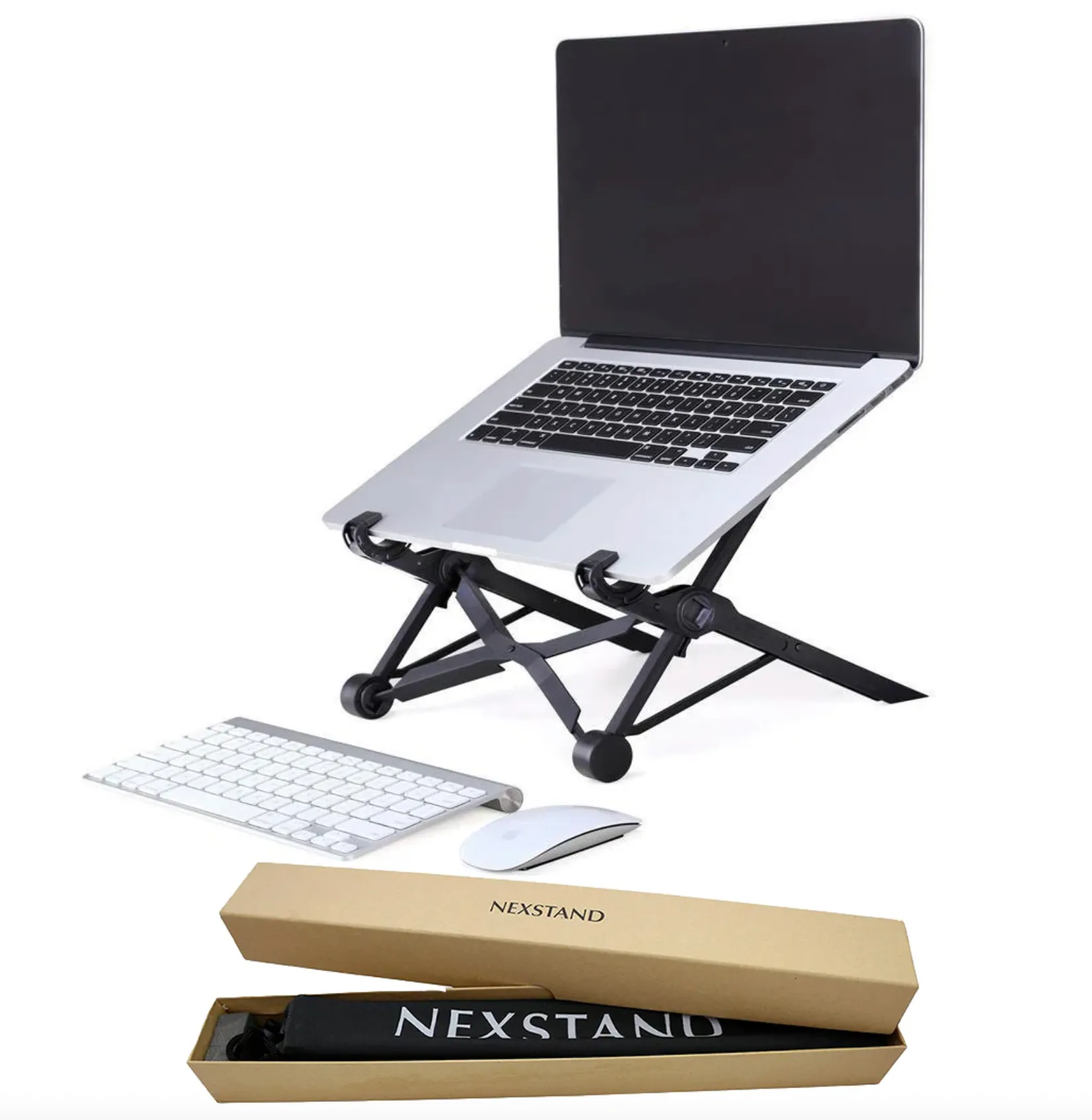
The nexstand laptop stand pairs a fold-flat design with quick, click-to-adjust height and a surprisingly rigid build for the money. In plain English: it lifts your screen to where your neck wants it, tucks into a bag when you’re done, and doesn’t flinch under typical ultrabooks. If you’ve been fighting a slouch, this is the kind of small upgrade that pays you back every single day.
After swapping this into my daily setup for a couple weeks in 2025, my takeaway is simple: the Nexstand Laptop Stand nails the essentials—height, portability, price. It’s not a desk sculpture; it’s a tool that disappears when you don’t need it. At Consumer's Best, we love gear that quietly makes you feel better at 4 p.m., and this does. If you care about neutral posture and travel light, it just works.
In-Depth Look: Nexstand Laptop Stand Features & Considerations
Core Features & Consumer Benefits
Here’s what stood out in day-to-day use—little details that add up over a long week.
Fast height adjustments
Pop it open and click through multiple levels to bring your screen near eye level, easing neck and shoulder strain.
Travel-friendly fold
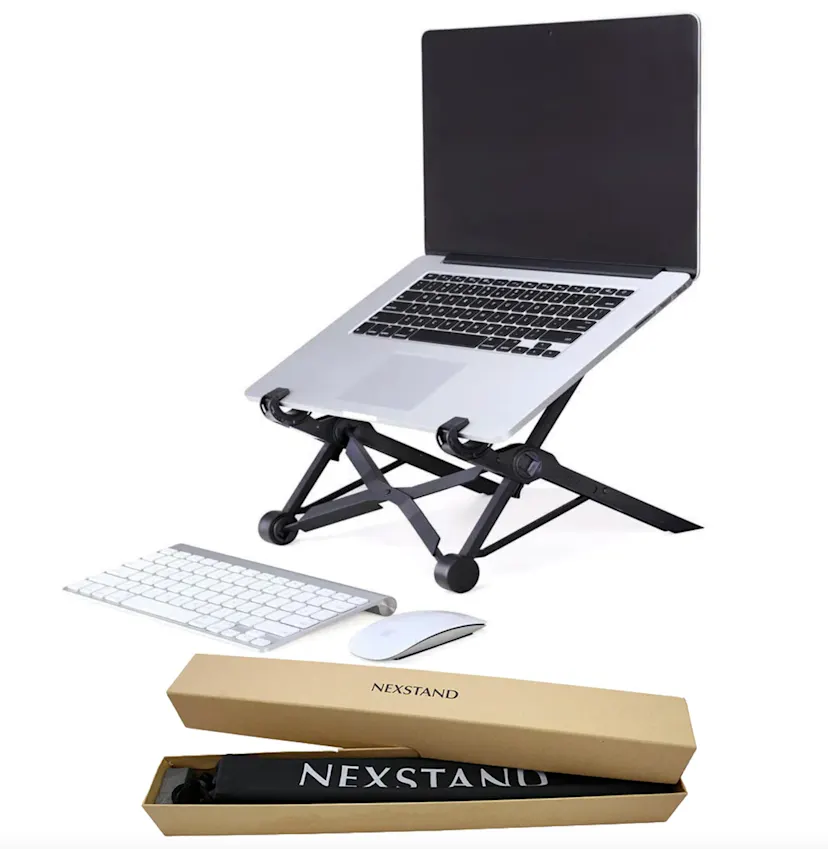
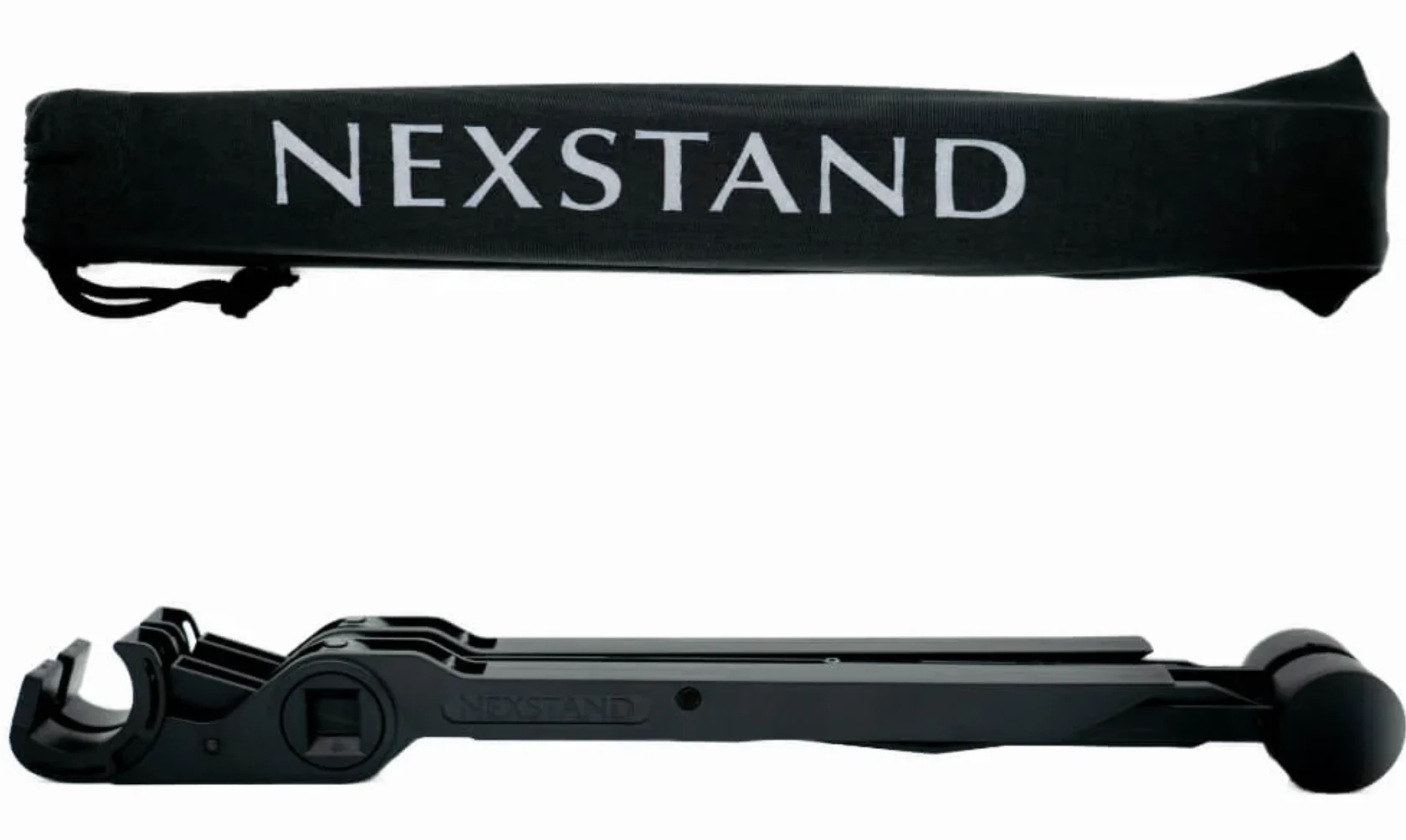
It collapses slim and light, sliding into a backpack or tote without hogging space—great for hybrid work and campus hops.
Stable, grippy cradle
Non-slip contact points and a broad stance help keep your laptop planted during light typing and video calls.
Cooler, quieter laptops
The open-frame design improves airflow, which can help reduce fan noise under everyday workloads.
Broad compatibility
Works with most popular laptops and MacBooks; the open design plays nicely with different widths and vent layouts.
Important Considerations & Potential Downsides
- Not for lap use
It’s a desktop stand—pair it with a table plus an external keyboard and mouse for proper ergonomics.
- Lighter than metal, not immovable
It’s sturdy for its weight, but heavy-handed typing can add a faint wobble compared to solid aluminum risers.
- Setup learning curve
The first few openings to find your preferred height and foot placement take a minute—then it’s muscle memory.
- Chunky or very heavy laptops
Big gaming rigs near the upper weight range may feel less planted—check your device’s specs before buying.
Who Is the Nexstand Laptop Stand Best For?
Hybrid and remote workers
Need on-the-go ergonomics that set up fast at home, the office, or a café.
Students and commuters
Want a light, foldable stand that won’t crowd a backpack but still lifts the screen.
Frequent travelers
Live out of carry-ons yet still want better posture during hotel-desk marathons.
Minimalist desk fans
Prefer gear that does the job and then gets out of sight—clutter-free and practical.
Budget-conscious buyers
Want ergonomic gains and durability without paying premium-stand prices.
Who Might Want to Explore Other Options?
- Heavy-duty desktop typists
If you rarely move your setup and hammer the keys, a heavier aluminum riser or monitor arm may feel steadier.
- Creators with oversized rigs
Very large or heavy gaming laptops often pair better with beefier, wide-plate stands.
- Couch-first workers
If you work from the sofa, a dedicated lap desk or cushion-style stand will be more comfortable.
- Design purists
If you want a seamless, all-metal aesthetic above all else, sleeker (and pricier) options exist.